Creative, Design and Multimedia
Photoshop for Everyone
In this course you will learn:
- What is Adobe programs.
- What is different between vectors and raster.
- What is selection tools and how to use the ben tool.
- The difference between CMYK and RGB.
- How to use clone stamp and patch tool.
- The difference between highlights, midtons and shadows.
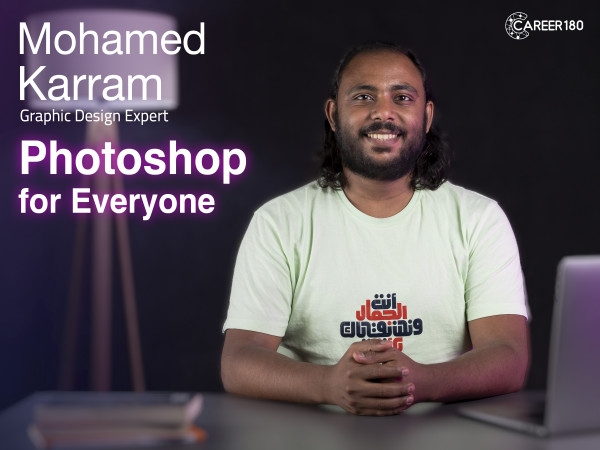
Who takes this Course
This course for non designers and normal people who wants to learn how to use photoshop for daily designs and edits.
Content
-
Lecture 1: Intro
56 seconds -
Lecture 2: Introduction to Adobe
1 minute 12 seconds -
Lecture 3: Difference between Vector and Raster
2 minutes 6 seconds -
Lecture 4: Types of Extensions
4 minutes 25 seconds -
Lecture 5: Selection Tool
10 minutes 48 seconds -
Lecture 6: CMYK vs. RGB
3 minutes 34 seconds -
Lecture 7: Clone Stamp and Patch Tool
7 minutes 30 seconds -
Lecture 8: Highlights, Midtons and Shadows
4 minutes 36 seconds -
Lecture 9: Hue, Saturation and Value
2 minutes 15 seconds
Meet your instructor
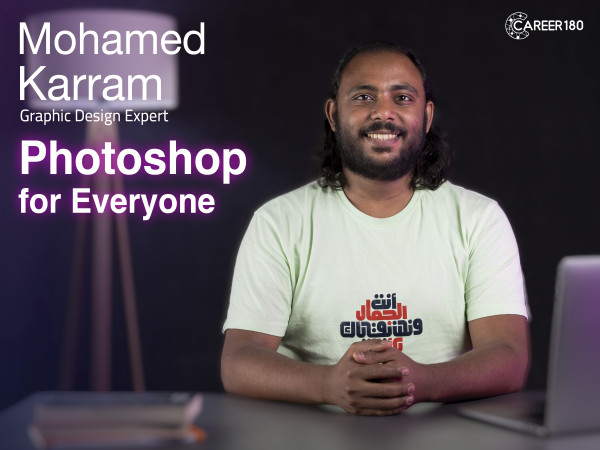
mohamed karram
Mohammed Magdy Karram, Senior graphic designer .
Started my career in 2012 in logo design and branding. I worked in photography and graphic design from young age, Then specialized in logo and branding. After 3 years of helping startups defining their digital identities and big companies in developing their brands and coaching young designers in the field, My passion is creating Simple yet influential messages through my logos. I create unique brand identities that tickle the brain and please the eye.